One Nextcloud server can host very different handoffs: campaign drafts, technical documents or audio previews. Its public links need not all use the same presentation. Selection must still preserve file permissions and avoid mixing one theme’s templates with another theme’s assets.
In the TOSA and TA projects, I use fixed share frontends selected through restricted system tags. This is a custom extension on those installations, not a general feature of Nextcloud’s built-in theming settings.
Select a complete frontend
A variant includes its template, CSS, JavaScript, fonts and images. The server selects a coherent package. Copying half of one theme over another creates an awkward failure mode: the HTML appears correct while relative asset paths and behaviour no longer belong together.
Nextcloud documents a public share template provider as an integration point for custom share views. The appropriate extension point needs checking on the target installation. The router discussed here is a project-specific implementation.
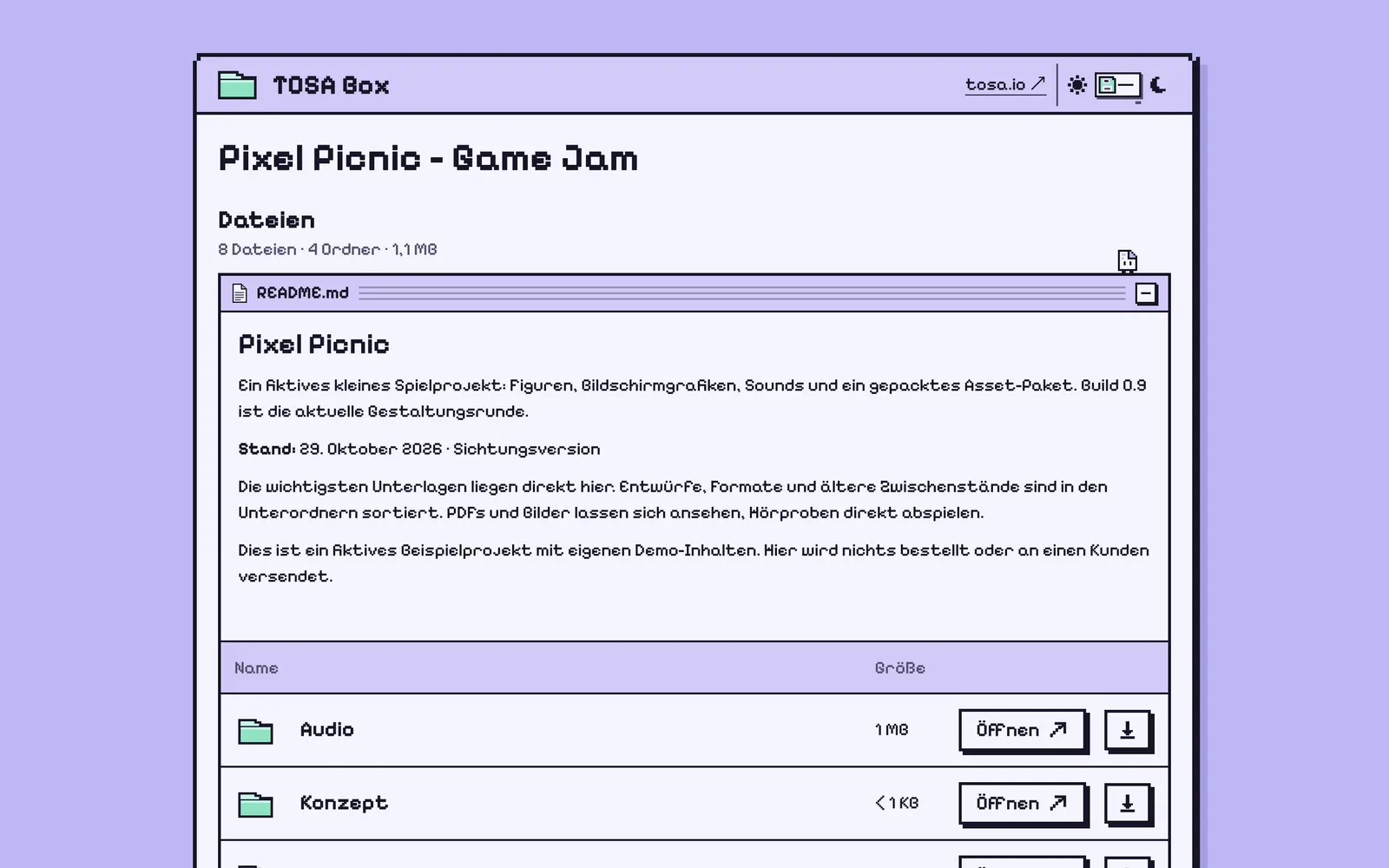
TOSA: direct selection with one subtree policy
The TOSA router recognises four fixed tags: theme:thread-cloud, theme:diskette, theme:atelier and theme:phonist. Exactly one is assigned to the shared folder or file. With no recognised tag, Thread Cloud remains active. Multiple recognised theme tags also fall back to Thread Cloud.
The selected presentation stays consistent while navigating inside that share. A tag on a child folder does not suddenly change the frontend as the visitor enters it.
Inheritance is not universal across these themes. theme:phonist additionally acts as a policy for its marked subtree. It covers independently shared folders below that root and can override their older direct assignments. The other TOSA themes do not inherit this way. Native ancestor traversal stops at the user’s file root and is limited to 64 nodes.
That exception belongs in the contract and test matrix. Describing this router as “the nearest tag wins” would be incorrect.
TA has a different selector
The TA installation selects between theme:ta-paper and theme:ta-audio. Here, the nearest matching tag on the shared object or one of its ancestors decides. Conflicting tags on the same object return to the previous presentation.
The visible result resembles the TOSA router, but the resolution rule differs. The selectors and their tests remain separate. Sharing an asset format does not make them the same inheritance algorithm.
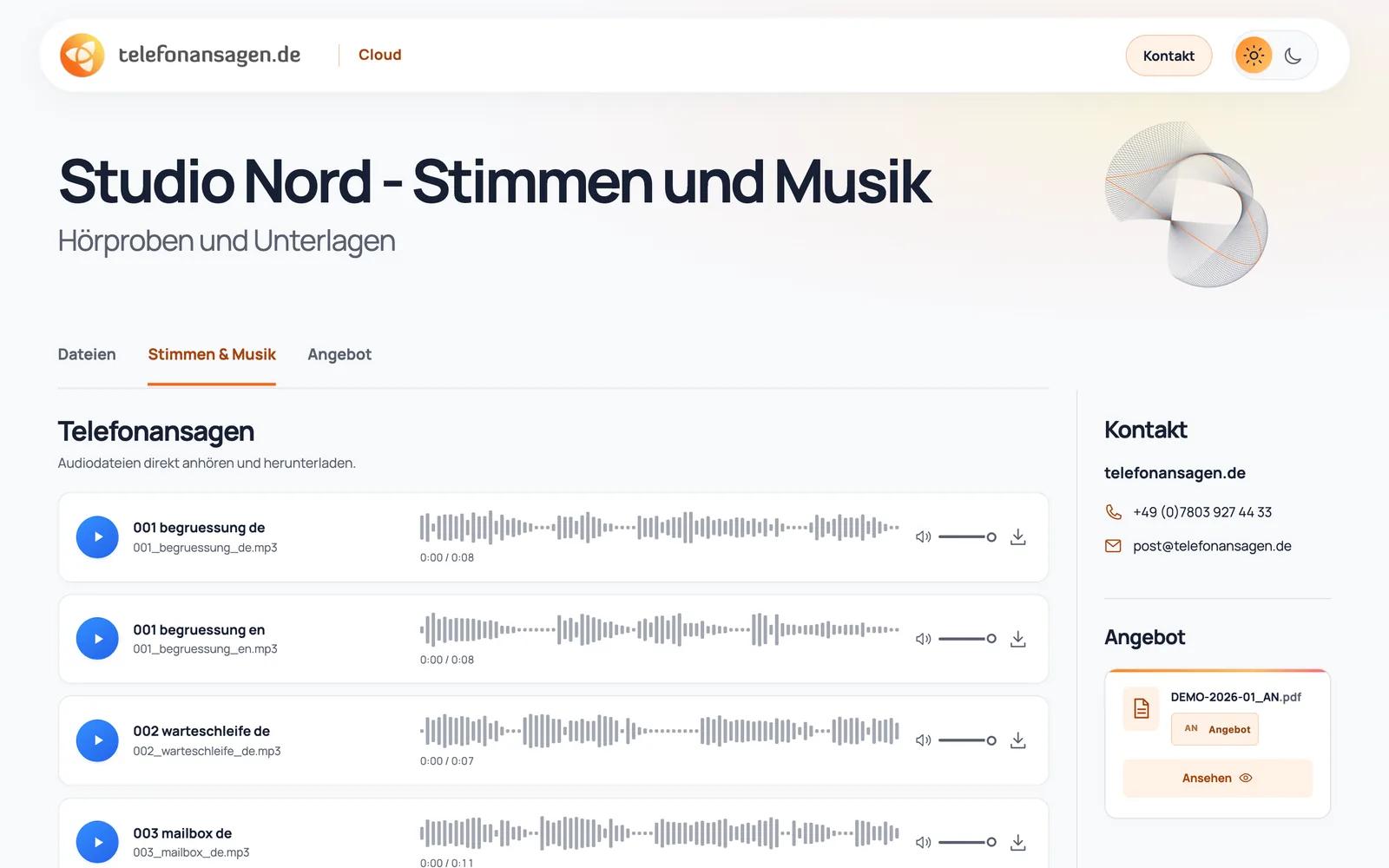
A theme tag is not an access permission
Selection starts from the native public share object. Only the designated restricted system tags count. An ordinary tag with identical text is insufficient. A URL parameter or the folder path displayed by the browser cannot select arbitrary server-side theme code.
Native controllers retain password, expiry and access checks. Choosing a presentation before a password challenge must reveal only its appearance, not protected file content. An attractive upload area still requires actual write permissions; the frontend cannot grant them.
Test the differences before release
Start with a direct tag, no tag and several recognised tags. Then exercise the cases where these implementations differ: independently shared children, older direct assignments and removal of a subtree policy.
Further cases cover unknown identifiers, failed tag lookups, manipulated path/query values and ancestor traversal limits. Browser checks cover each package’s asset URLs, light/dark modes, viewers, audio and return to the file list. Password and upload-only views need separate permission tests.
Before a production change, preserve the current source and a verified way back. Rolling back a theme package must not restore a customer database that has continued receiving changes. UI package, server version and test date need a traceable relationship.
What visitors should experience
Visitors should not need to understand system tags. They should open a link and receive an appropriate, consistent interface. The Wolkano demo gallery shows these designs with sample files; its German custom Nextcloud service page explains the commercial project scope.
Once the frontend has been selected, the next question is which actions belong to the file in its viewer. That is covered separately in context actions with NextInject.
